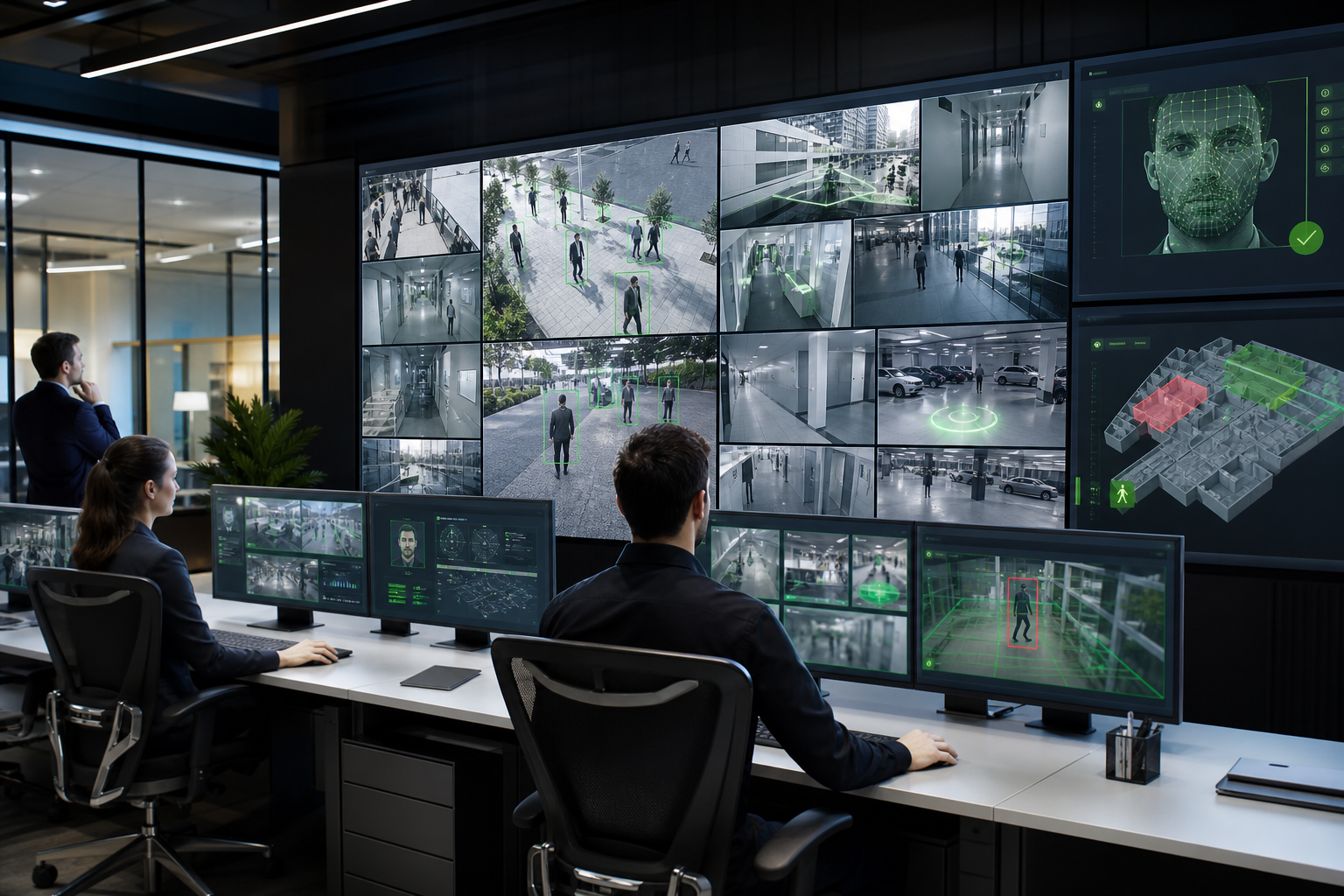
Unified camera management
Register streams, group cameras by site, assign AI agents, monitor health, and keep operations teams aware of offline cameras or weak feeds.
New Camsense 2.0
Camsense 2.0 turns existing IP, RTSP and NVR cameras into a complete AI surveillance operating system with separate agent dashboards, Check POV validation, backup storage, device management and real-time alerts.
Camsense 2.0 platform
A unified workspace for camera onboarding, AI rules, evidence, workflows, governance and reporting — now combined with the new Camsense 2.0 AI dashboards, Check POV validation, VMS, storage and device health.
Register streams, group cameras by site, assign AI agents, monitor health, and keep operations teams aware of offline cameras or weak feeds.
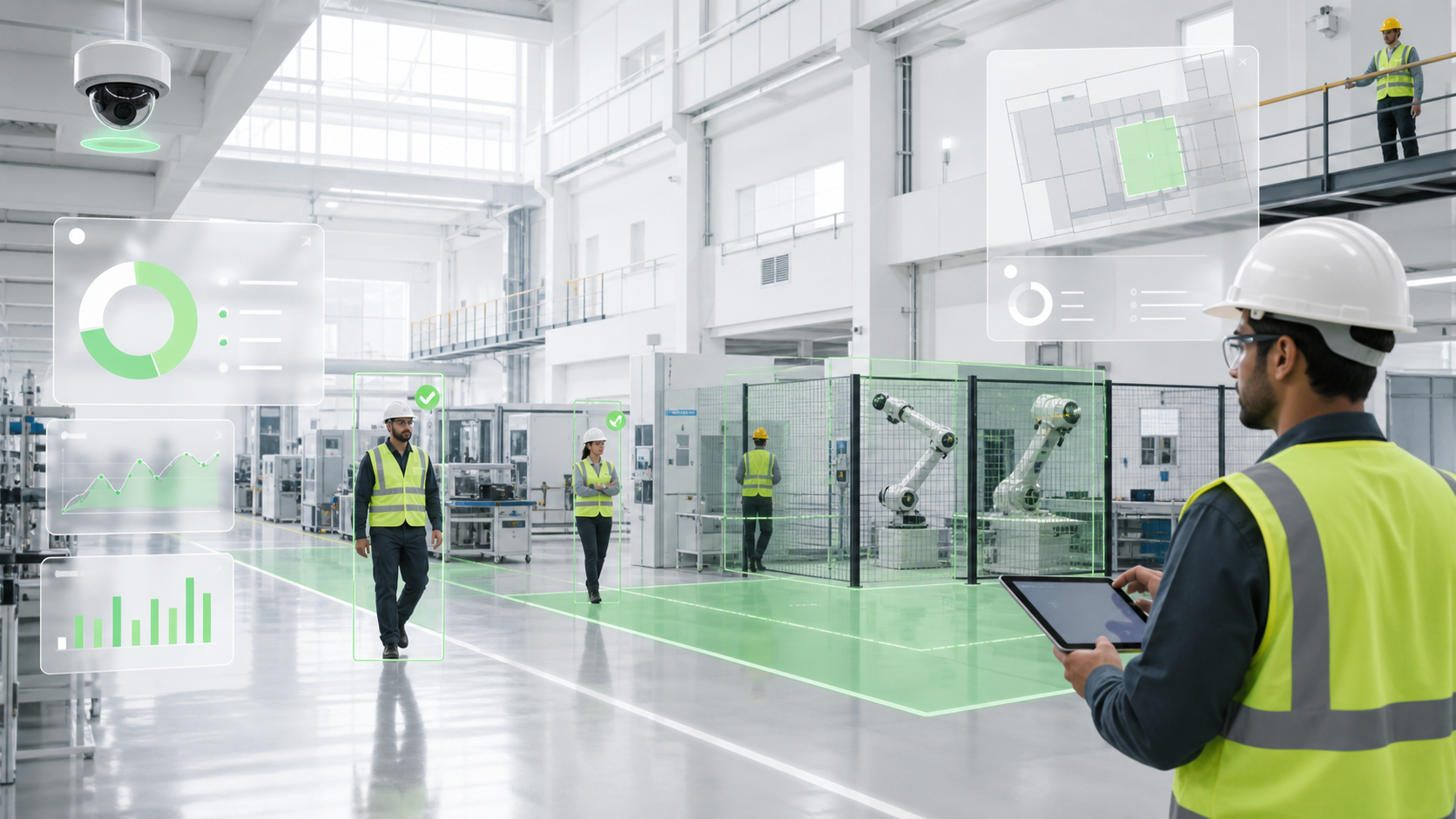
Draw zones, set schedules, choose thresholds, combine conditions, and trigger alerts without writing code.
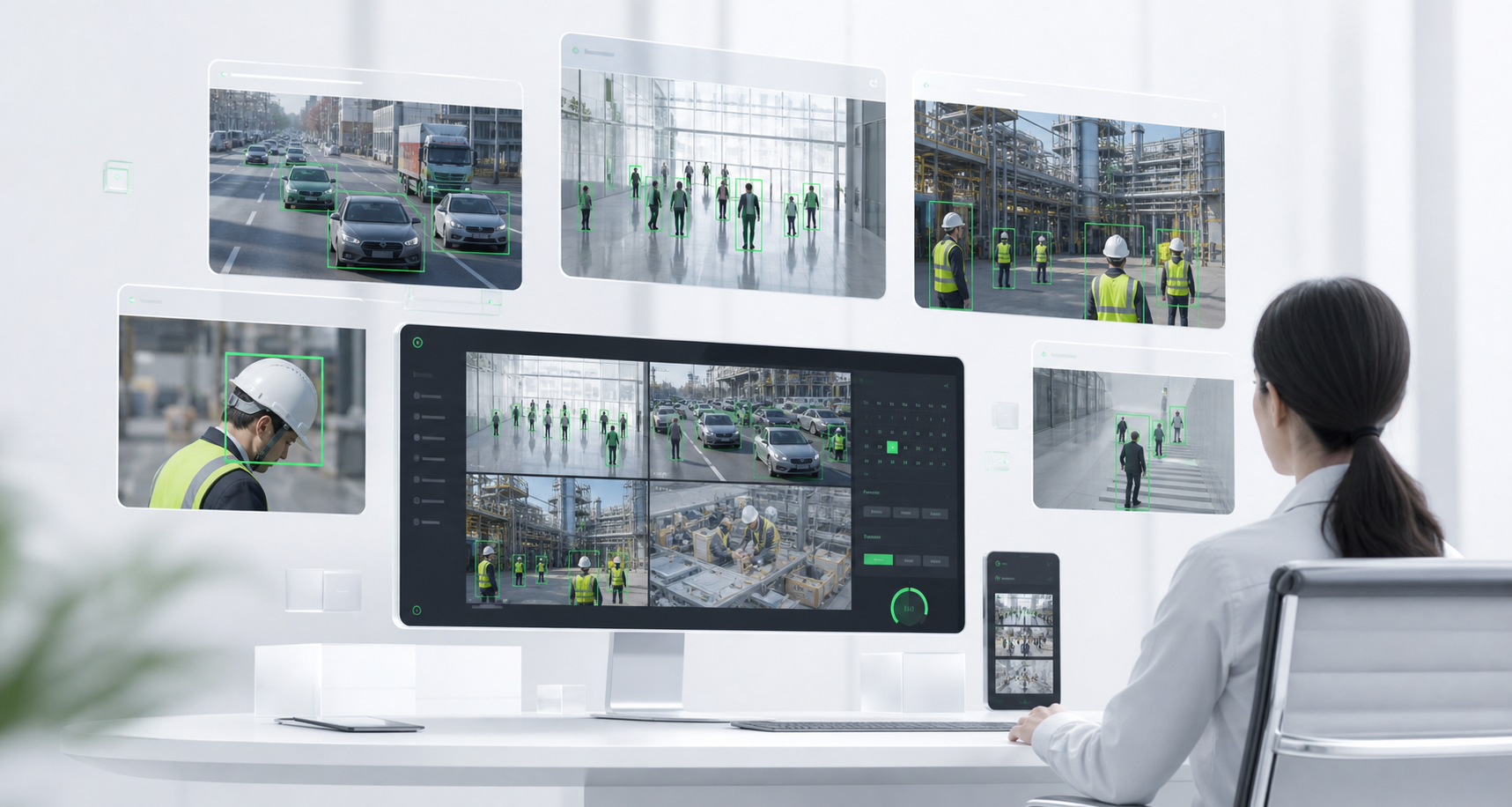
Ask natural questions like “show teacher absence events” or “alert me next time this happens” and turn recurring incidents into rules.
Role-based access, audit logs, user permissions, retention policies and approval workflows for sensitive use cases.
Daily workflow
Camsense 2.0 turns every camera event into a guided workflow: detect the incident, alert the right team, review evidence, export proof and report outcomes to management.
AI agents watch zones for safety, security, people, vehicle and compliance events.
Notify operators, guards, EHS teams or managers with camera context.
Open the clip, verify the timeline, check confidence and assign action.
Download clips, snapshots and records for audits, claims or follow-up.
Convert incidents into dashboards, SLA views and management summaries.
Instead of disconnected camera watching, Camsense 2.0 creates a closed loop from event detection to reviewed proof and business reporting.
Three product highlights
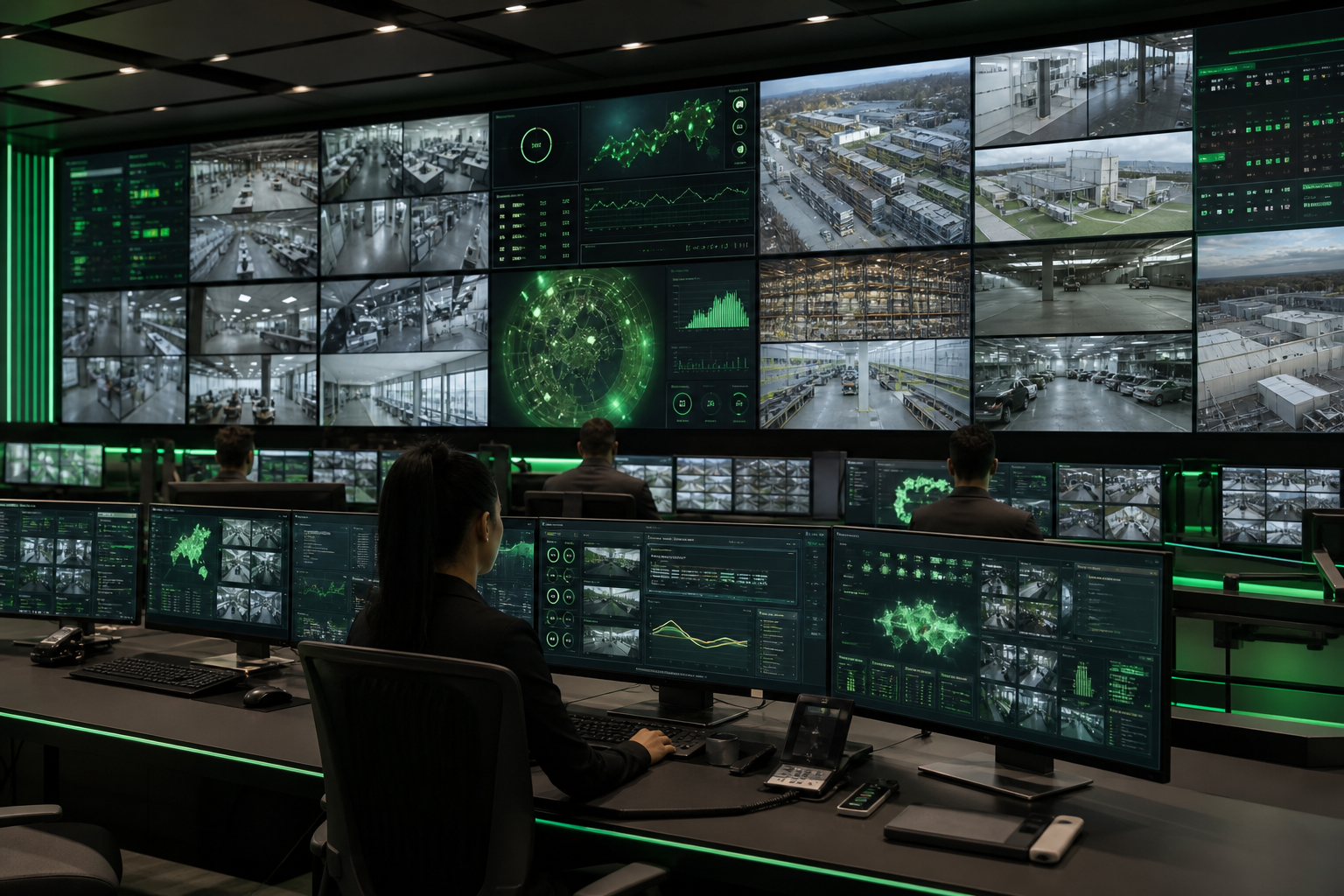
Camsense 2.0 connects AI insight, live monitoring, evidence, storage, camera readiness and device health into one web portal.
Every AI use case gets its own dashboard with filters, KPIs, charts, trend lines, event evidence and assigned cameras.
Inside Camera Edit → Input Source, Check POV samples live frames and gives a camera visibility score before AI deployment.
Live VMS monitoring, recording/storage, AI instance health, edge devices, gateways and real-time alerts work together.
AI-agent-wise dashboards
Instead of forcing every event into one crowded analytics screen, Camsense 2.0 gives each agent a dedicated dashboard. Operators can filter by camera, location, area, date range, severity and event type, then review charts, evidence and event logs in context.
Today's entries
1,248Camera readiness
AI accuracy depends on the actual point of view. Check POV helps teams confirm whether the camera can see the right target at the right angle, size, resolution and lighting condition.
Confirm the field of view covers the target zone.
Detect blur, poor lighting, weak stream quality or blocked views.
Match camera suitability with the selected AI agent.
Command center ready
46 AI analytics
Camsense 2.0 covers 46 AI analytics capabilities and 30+ platform modules — 75+ practical features when the complete platform is counted.
Upgrade with Camsense 2.0
Download the brochure to understand the platform, or book a live demo to see AI dashboards, Check POV validation, VMS monitoring, backup storage and device-health workflows in action.